

Ever wondered how many laps you've actually done at Daytona? Or how much seat time you've logged in the GT3 versus the LMP2 at Spa? Yeah, us too. That's why we built the VPS Lap Tracker.
This is a SimHub plugin built specifically for iRacing that automatically counts every lap you complete and remembers it forever. No setup, no configuration — just install the plugin, go drive, and your laps start stacking up.
Here's what you get:
🏁 Automatic lap tracking — Every completed lap is logged the moment you cross the line. No buttons to press, nothing to configure.
🏎️ Car breakdown per track — See exactly which cars you've driven at each track and how many laps you've done in each one. Perfect for knowing where you've put the work in.
📊 Live session stats — A real-time counter shows your laps for the current session, your total at the current track, and your grand total across all tracks.
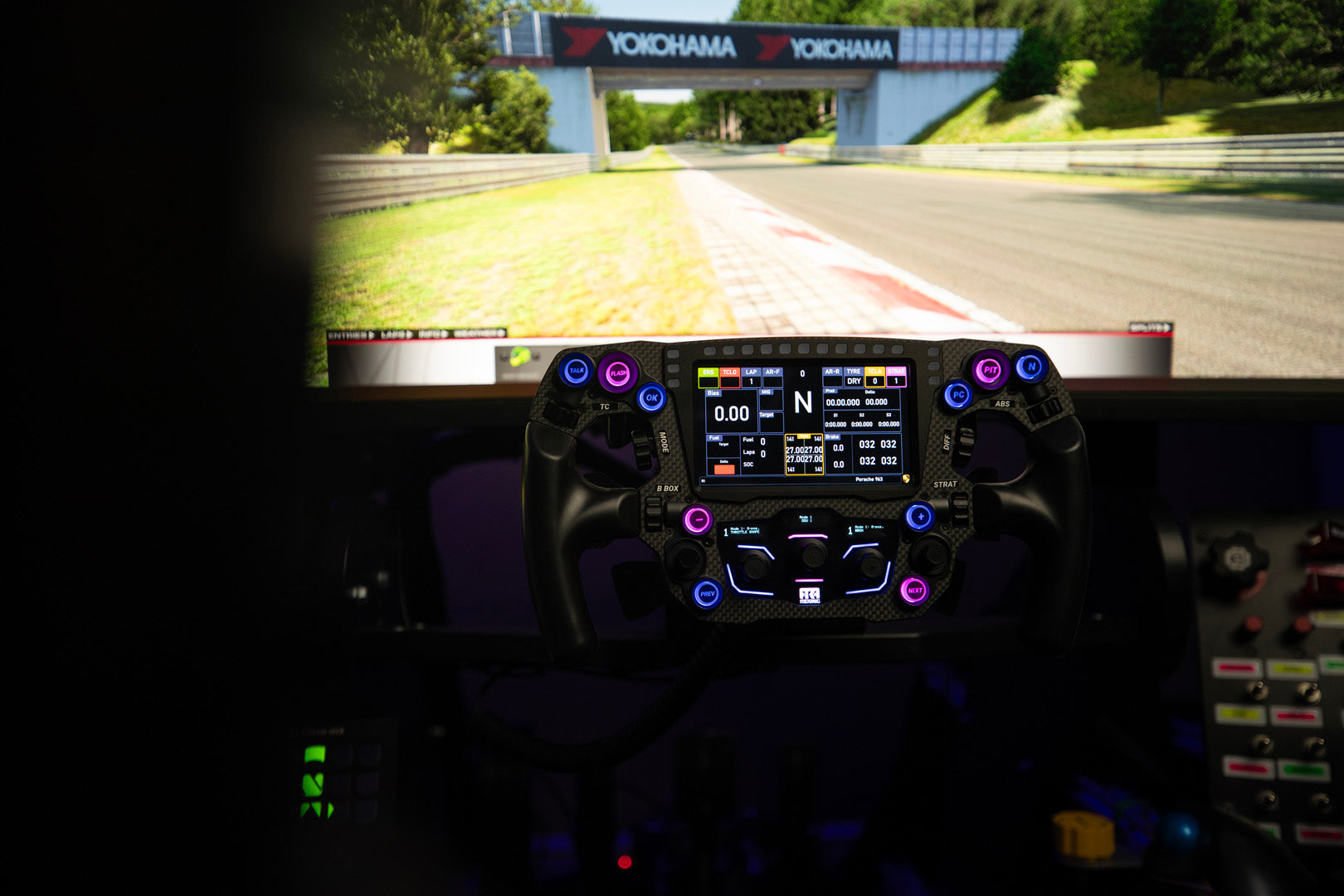
🖥️ Built-in SimHub dashboard — Includes a ready-to-use overlay you can run while driving, plus a full settings panel inside SimHub with a pit wall-inspired UI.
🔍 Search and browse — Scroll through every track you've ever visited, search by name, and see your full history at a glance.
💾 Persistent data — Everything is saved to a local JSON file that survives restarts, updates, and reinstalls. Your laps are your laps.
How it works:
Install the .dll into your SimHub folder, restart SimHub, and you're done. The plugin detects when you're on track in iRacing and starts counting automatically. Open the "Lap Tracker" page in SimHub's sidebar to see all your data, or use the included dashboard overlay while you drive.
Whether you're grinding practice laps, tracking your progress across a season, or just curious how deep your iRacing addiction really goes — the VPS Lap Tracker has you covered.
Requirements:
- SimHub (latest version recommended)
- iRacing subscription
- Windows PC
Built by sim racers, for sim racers. From Velocity Pro Sims.